
UI Development with React Real-World Applications
Master UI development using React. Learn to build fast, interactive SPAs with JSX, components, hooks, routing, and responsive design. Gain hands-on experience through real-world projects and internship support to launch your UI development career.
Explore MoreJoin us Today
Fill in the details to take one step closer to your goal
Average annual salary for React UI developers
Source : Glassdoor
UI developer career / job opportunities
Source : LinkedIn
Expected front-end/UI demand growth in next 10 years
Source : GeeksforGeeks
Job-Oriented UI Development with React Course at DIGIT institute
The UI Development with React course at DIGIT institute helps you master the art of creating fast, scalable, and user-friendly interfaces. You’ll learn JSX, functional components, props, state, hooks, and styling techniques for modern web applications.
- Front-end UI Development with React Internship and Job Placement Assistance with Career Support.
This course blends theory with practical training through real-world UI projects. With expert mentorship and structured guidance, you'll gain hands-on experience and build strong UI development skills for your professional growth.
- React Real-Time Project Practice to Strengthen Practical React Skills.
UI Development with React Proficiency Path
Follow our UI-focused React curriculum, covering JSX, Hooks, state management, routing, and performance optimization
Front-End
HTML5 tags
Header, Nav, Main, Section, Article tags
Aside, Figure, Dialog, Details, Summary and Footer tags
Mark, Figcaption, Code and Cite tags
Audio and Video tags
The input tag new attributes and values
Buttons, Datalist, Required, Placeholder and Autofocus
Using HTML tags in real-time websites
HTML Validators
CSS 3 Advanced Selectors
Nth-child() and nth-of-type
First-of-type and last-of-type
First-child and last-child
First-line and first-letter
Before and after
CSS 3 Properties
Rounded corners
Advanced Background Properties
Shadow Property
New font properties
Opacity, Gradients
Transition and Transform properties
Animation properties
Introduction to responsive design
Devices and their dimension ranges
View-port tag
CSS media queries
Basic custom layout
Introduction to Bootstrap
Installation of Bootstrap
Grid system
Forms
Buttons
Tables and images
Image slider
Icons integration
Real-time page design using Bootstrap
Introduction to JavaScript
Javascript Types
Variables in JS
Datatypes in JS
Operators in JS
Conditional Statements
JavaScript Loops
JS Popup Boxes
JS Events & Arrays
JS Object & Functions
Validation of Forms
Introduction to jQuery
Installing jQuery
jQuery Syntax
jQuery Ready Function, Selectors, Actions
jQuery Plugins
jQuery Validation Plugin
jQuery Slideshow & Dropdown
Working with jQuery UI
jQuery Accordions, Tabs & Tooltips
jQuery Autocomplete
Clients Requirement Analysis
Planning the Website
Creating the HTML/CSS Structure
Creating a project using Bootstrap
Integration of Features using JS and jQuery
Project Testing
Live Project Work

Workshop
Sharpen expertise through practice and expert support.

Projects
Work on real projects and gain hands-on experience.

Internship
Apply your skills in live projects with expert guidance.
Front-End
HTML5 tags
Header, Nav, Main, Section, Article tags
Aside, Figure, Dialog, Details, Summary and Footer tags
Mark, Figcaption, Code and Cite tags
Audio and Video tags
The input tag new attributes and values
Buttons, Datalist, Required, Placeholder and Autofocus
Using HTML tags in real-time websites
HTML Validators
CSS 3 Advanced Selectors
Nth-child() and nth-of-type
First-of-type and last-of-type
First-child and last-child
First-line and first-letter
Before and after
CSS 3 Properties
Rounded corners
Advanced Background Properties
Shadow Property
New font properties
Opacity, Gradients
Transition and Transform properties
Animation properties
Introduction to responsive design
Devices and their dimension ranges
View-port tag
CSS media queries
Basic custom layout
Introduction to Bootstrap
Installation of Bootstrap
Grid system
Forms
Buttons
Tables and images
Image slider
Icons integration
Real-time page design using Bootstrap
Introduction to JavaScript
Javascript Types
Variables in JS
Datatypes in JS
Operators in JS
Conditional Statements
JavaScript Loops
JS Popup Boxes
JS Events & Arrays
JS Object & Functions
Validation of Forms
Introduction to jQuery
Installing jQuery
jQuery Syntax
jQuery Ready Function, Selectors, Actions
jQuery Plugins
jQuery Validation Plugin
jQuery Slideshow & Dropdown
Working with jQuery UI
jQuery Accordions, Tabs & Tooltips
jQuery Autocomplete
Clients Requirement Analysis
Planning the Website
Creating the HTML/CSS Structure
Creating a project using Bootstrap
Integration of Features using JS and jQuery
Project Testing
Live Project Work
Workshop
Sharpen expertise through practice and expert support.
Projects
Work on real projects and gain hands-on experience.
Internship
Apply your skills in live projects with expert guidance.
React Js
What is React and why use it?
React’s component-driven architecture
Setting up your dev environment (Node, npm/yarn)
Bootstrapping with Create React App
Project folder structure overview
JSX syntax fundamentals
Virtual DOM & reconciliation
Props vs. state: core concepts
One-way data flow in React
Inspecting apps with React Developer Tools
let & const declarations
Arrow functions & default parameters
Template literals & destructuring
Spread & rest operators
Modules import/export
Promises & async/await
Classes & inheritance
Iterators & generators
Map, filter & reduce methods
Event loop & call stack
Introduction to JSX syntax
Embedding expressions in JSX
Conditional rendering
Lists & keys rendering
Virtual DOM concept
Babel transpilation
JSX best practices
Styling JSX elements
Function vs Class components
Props drilling & default props
Composition vs inheritance
Children prop usage
PropTypes validation
Higher-order components
Controlled vs uncontrolled components
useState hook
useEffect for side effects
useContext for global state
useReducer for complex state
useRef & useCallback
Custom hooks creation
Hook performance considerations
React Router setup & routes
Nested & dynamic routes
Redux & Redux Toolkit intro
Actions, reducers & store
Async thunks & middleware
Context API vs Redux
Code splitting & lazy loading
Jest unit testing
React Testing Library
Mocking & snapshot tests
Performance profiling
Memoization with React.memo
useMemo & useCallback optimizations
Bundle analysis & tree shaking
Requirement gathering & planning
Component architecture design
State & props implementation
Routing & data fetching
State management integration
Testing & QA
Deployment
React Js
What is React and why use it?
React’s component-driven architecture
Setting up your dev environment (Node, npm/yarn)
Bootstrapping with Create React App
Project folder structure overview
JSX syntax fundamentals
Virtual DOM & reconciliation
Props vs. state: core concepts
One-way data flow in React
Inspecting apps with React Developer Tools
let & const declarations
Arrow functions & default parameters
Template literals & destructuring
Spread & rest operators
Modules import/export
Promises & async/await
Classes & inheritance
Iterators & generators
Map, filter & reduce methods
Event loop & call stack
Introduction to JSX syntax
Embedding expressions in JSX
Conditional rendering
Lists & keys rendering
Virtual DOM concept
Babel transpilation
JSX best practices
Styling JSX elements
Function vs Class components
Props drilling & default props
Composition vs inheritance
Children prop usage
PropTypes validation
Higher-order components
Controlled vs uncontrolled components
useState hook
useEffect for side effects
useContext for global state
useReducer for complex state
useRef & useCallback
Custom hooks creation
Hook performance considerations
React Router setup & routes
Nested & dynamic routes
Redux & Redux Toolkit intro
Actions, reducers & store
Async thunks & middleware
Context API vs Redux
Code splitting & lazy loading
Jest unit testing
React Testing Library
Mocking & snapshot tests
Performance profiling
Memoization with React.memo
useMemo & useCallback optimizations
Bundle analysis & tree shaking
Requirement gathering & planning
Component architecture design
State & props implementation
Routing & data fetching
State management integration
Testing & QA
Deployment
Essential Development Tools and Technologies Covered








Track Your Progress Toward Enrollment

1. Registration
Register online, provide details, help admissions understand your career goals.

2. Test
Submit application, then an assessment ensures eligibility and program aptitude.

3. Offer Applicable
After review, eligible candidates get scholarship offers and confirmation email.

4. Fee Payment
Review your admission offer, promptly pay fee to confirm enrollment.
Exploring Course Essentials
Embark on a journey to understand the critical elements of our course.

Learn Online/Classroom
Embark on a learning journey with our diverse courses, available both online and in the classroom.

expert Instructors
Begin your learning journey with our accomplished instructors, experts in their fields.
1:1 Mentorship
Experience personalized growth with our 1:1 mentorship, where dedicated mentors guide you toward success.

Low Student - Teacher Ratio
Benefit from personalized guidance and a supportive learning environment with our small class sizes.

Flexible Learning Options
Enhance your education with flexible choices that fit your schedule and preferences.

Hands-On Projects
Engage in practical, real-world projects to reinforce key skills and essential concepts.

Comprehensive Curriculum
Follow a meticulously designed curriculum that takes you from core fundamentals through advanced, real‑world applications.

Regular Assessments
Keep your learning on track with periodic quizzes and projects that reinforce concepts and measure your progress.

Career Support
Get expert career advice, resume building, and interview prep to launch your dream job.
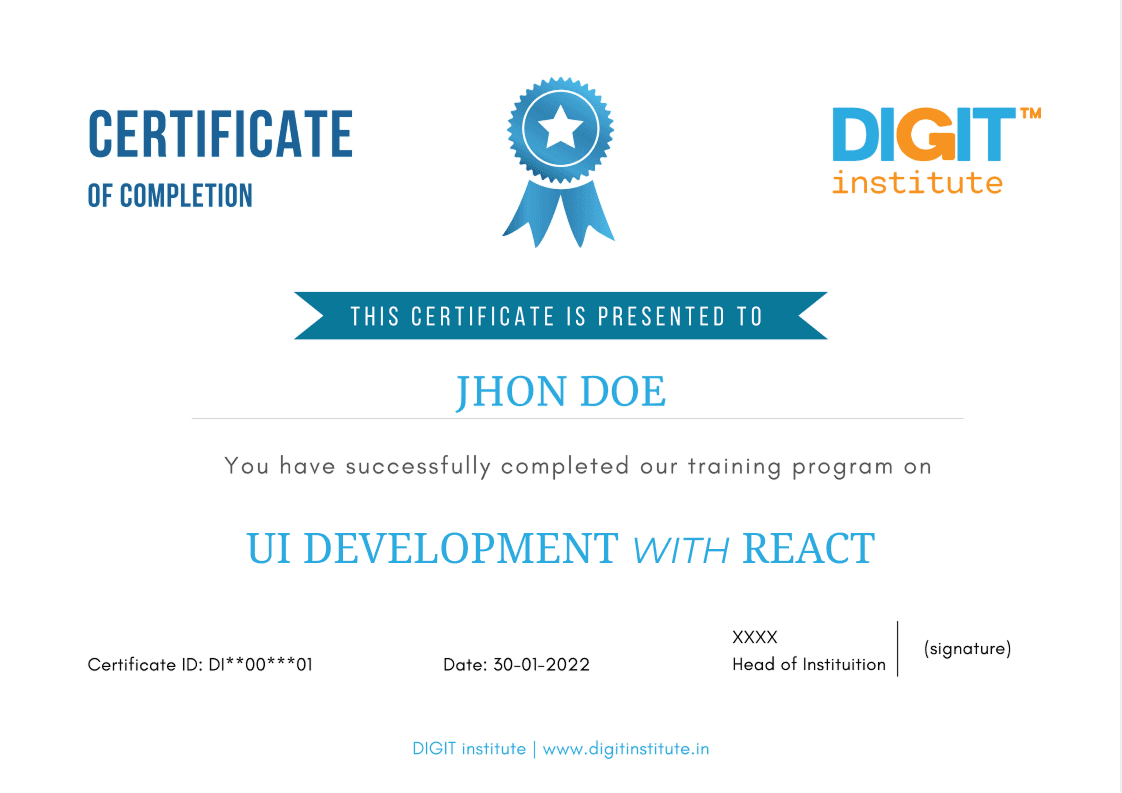
Validate Your UI Development Skills with React Certification

Industry Recognition
Our certifications are well-regarded in the software industry, providing valuable opportunities for career advancement

Skill Validation
Our certifications validate your skills through practical application, equipping you for the workforce and demonstrating your expertise to employers.

Career Advancement
Achieve new heights in your professional journey with our certifications.
Shared Experiences from Our Students
Join Our Upcoming Batches
Secure your spot in the next batch. Limited seats available. Enroll now and start your learning journey with expert-led live training.
Contact for Next BatchesElevate Your Skillset in UI Development with React Today
Or call us now (+91) 7036500024